🛒 Best Price Today on Amazon
Prime members get fast, free shipping on everything above, plus member-only deals. New members get a 30-day free trial — cancel anytime.
An IPS gaming monitor under 400 dollars is the screen for people who refuse to squint at washed-out colors when they lean back or share the desk. In-plane switching panels hold their color and brightness from wide angles, which is why they are the default for gamers who also edit photos, stream, or let a friend watch over their shoulder. The catch is that IPS rarely wins on contrast, so the shopping job becomes picking the right refresh rate and resolution around that panel. A cheap IPS at 120Hz and a 300Hz Fast IPS share a panel type but feel nothing alike in motion, so the details below matter more than the three letters.
This guide covers ten 27-inch and 32-inch IPS models plus one 24-inch, from a plain 120Hz office-leaning screen to a 300Hz Fast IPS racer. Every comparison uses only what the listings state. If you are building or upgrading a setup in 2026 and want strong color without paying for OLED, the notes below will narrow the list quickly.
Quick Picks

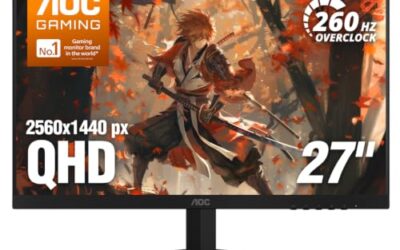
AOC 27" Gaming Monitor QHD 260Hz Overclocked IPS NVIDIA G-SYNC Q27G41ZE | 2560×1440 Computer Monitor, 240Hz Native / 260Hz OC, NVIDA G-SYNC Compatible, 0.3ms, HDR, VESA, Audio Out, 3-Yr Warranty


As an Amazon Associate we earn from qualifying purchases. Product prices and availability are accurate as of the date/time indicated.

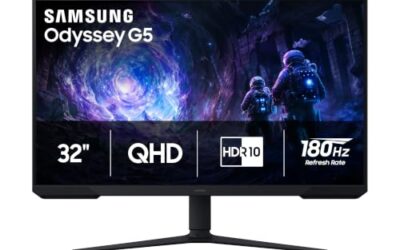
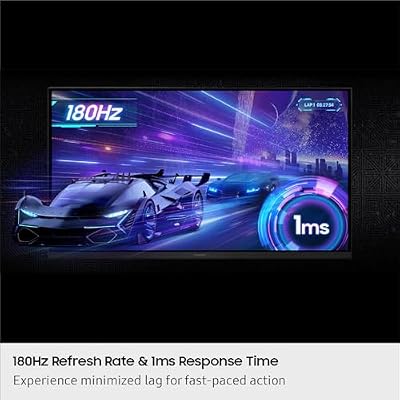
Samsung 32” Odyssey G5 (G50F) Series QHD Gaming Monitor | 180Hz, Fast IPS Panel, HDR10, NVIDIA G-Sync Compatible, 1ms (GtG), AMD FreeSync™, Adjustable Stand, LS32FG502ENXZA




As an Amazon Associate we earn from qualifying purchases. Product prices and availability are accurate as of the date/time indicated.

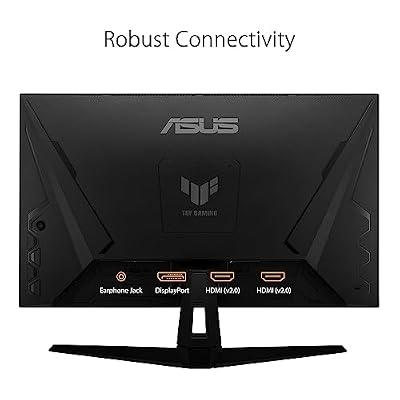
ASUS TUF Gaming VG27AQ3A 27 Inch 1440p 180Hz G-SYNC Gaming Monitor | Fast IPS, ELMB Sync, 1ms, 130% sRGB, Built-In Speakers, FreeSync Premium, HDR10, for PS5 and Xbox, 3yr warranty




As an Amazon Associate we earn from qualifying purchases. Product prices and availability are accurate as of the date/time indicated.

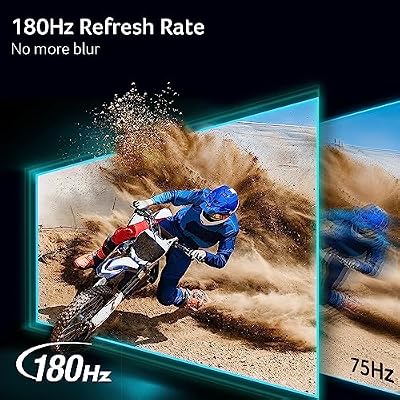
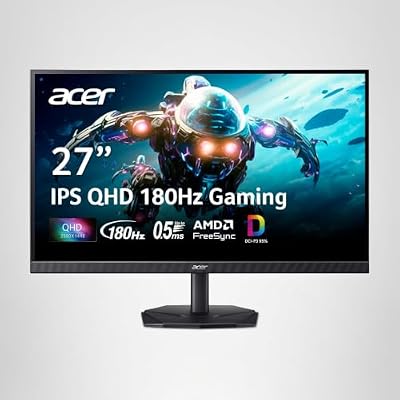
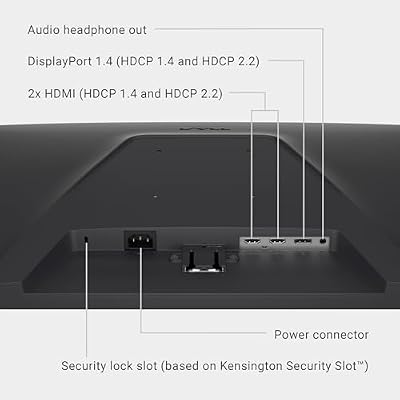
Acer Nitro 27in QHD 2560x1440 IPS 180Hz Gaming Monitor KG271U N3bmiipx | 0.5ms, AMD FreeSync, DCI-P3 95%, 2xHDMI, DisplayPort, Speaker, VESA Mountable, Bluelight Filter, Flickerless Technology




As an Amazon Associate we earn from qualifying purchases. Product prices and availability are accurate as of the date/time indicated.

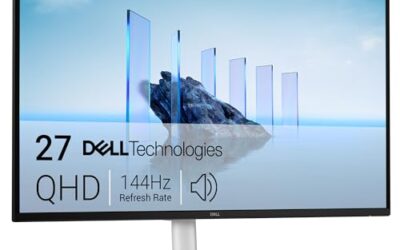
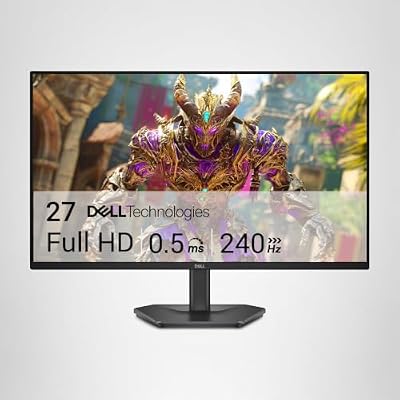
Dell 27 240Hz Gaming Monitor - SE2726HG - 27-inch FHD (1920x1080) Display, in-Plane Switching (IPS) Technology, AMD FreeSync Premium, TÜV 3-Star, 2X HDMI, DisplayPort 1.4, Tilt




As an Amazon Associate we earn from qualifying purchases. Product prices and availability are accurate as of the date/time indicated.

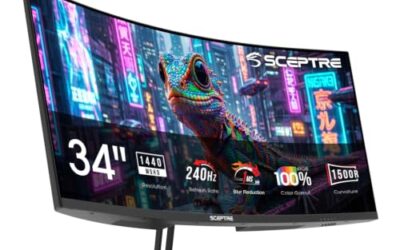
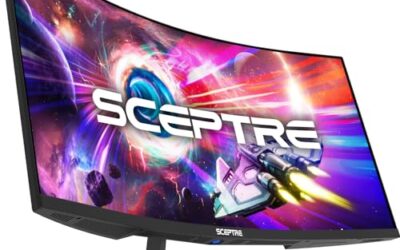
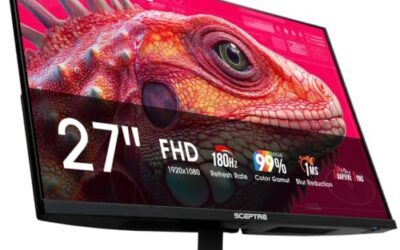
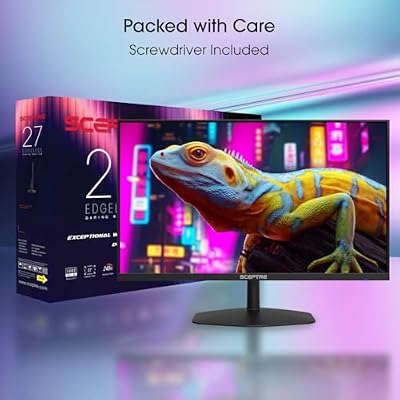
New! Sceptre 27-inch IPS Gaming Monitor up to 240Hz DisplayPort HDMI Build-in Speakers, Machine Black 2027 (E275B-FP240 Series)



As an Amazon Associate we earn from qualifying purchases. Product prices and availability are accurate as of the date/time indicated.

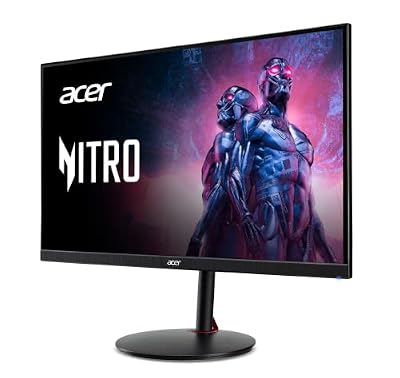
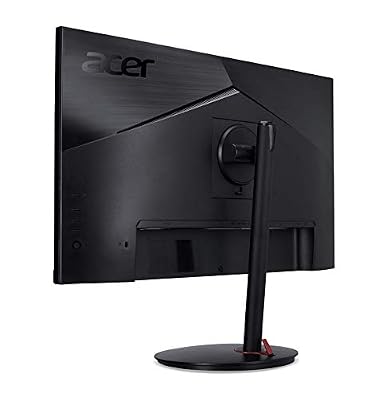
MONITOR Acer Nitro 27in QHD 2560x1440 IPS 240Hz Gaming XV272U W2bmiiprx | 0.5ms, AMD FreeSync Premium, sRGB 99%, 2xHDMI, DisplayPort, VESA HDR400, Ergo Stand, Speaker, VESA Mountable






As an Amazon Associate we earn from qualifying purchases. Product prices and availability are accurate as of the date/time indicated.

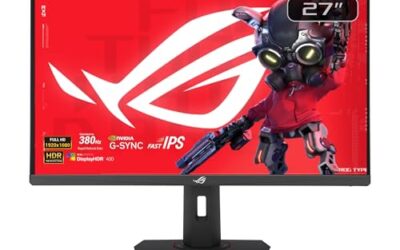
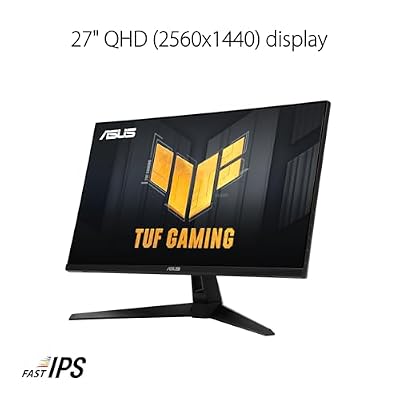
ASUS TUF Gaming VG27AQM5A 27 Inch 1440p 300Hz G-SYNC Gaming Monitor | Fast IPS,ELMB Sync, 95% DCI-P3, Built-In Speakers, Shadow Boost, DisplayWidget Center, 0.3ms, for PS5 and Xbox


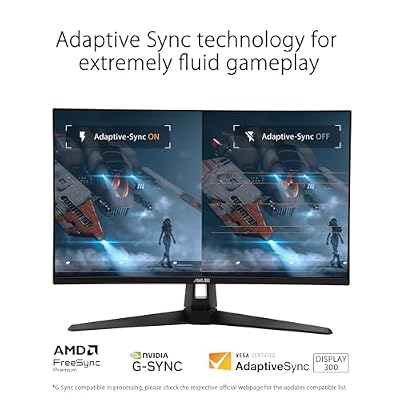


As an Amazon Associate we earn from qualifying purchases. Product prices and availability are accurate as of the date/time indicated.
| Product | Best for | Key spec from the listing |
|---|---|---|
| AOC Q27G41ZE | Overclock headroom at 1440p | QHD, 240Hz native, 260Hz OC |
| Acer KB272 G0bi | Lowest-cost IPS entry | FHD, 120Hz, sRGB 99% |
| Samsung Odyssey G50F | Big-screen 1440p | 32-inch QHD, 180Hz, HDR10 |
| ASUS TUF VG27AQ3A | Balanced all-rounder | 1440p, 180Hz, 130% sRGB |
| Acer Nitro KG271U | Multi-console setups | QHD, 180Hz, 2xHDMI plus DP |
| LG 24G411A-B | Compact desks | 24-inch FHD, 144Hz (O/C) |
| Dell SE2726HG | Fast 1080p play | FHD, 240Hz, FreeSync Premium |
| Sceptre E275B-FP240 | Monitor with speakers | 27-inch, up to 240Hz |
| Acer Nitro XV272U | Color plus HDR400 | QHD, 240Hz, sRGB 99% |
| ASUS TUF VG27AQM5A | Maximum refresh rate | 1440p, 300Hz, 95% DCI-P3 |
How to Choose
Standard IPS versus Fast IPS
Fast IPS is a tuned version with quicker pixel transitions, and several listings here name it. If you play shooters, prefer it. For slower games and general use, standard IPS at 120Hz to 144Hz is perfectly adequate, and it usually costs less. Response times in titles, such as 1ms or 0.5ms, are best-case figures, so use them to rank models loosely rather than to predict exact blur differences.
Pick a resolution before a refresh rate
At 27 inches, 1440p is the sweet spot for sharpness, while 1080p looks coarser and is best kept for 24-inch screens or high-frame-rate esports. A 32-inch QHD panel spreads the same pixel count wider, so sit a little farther back. A rough rule: if you sit within an arm’s length of a 27-inch panel, 1440p is worth it, and if you sit farther away, 1080p at a higher refresh rate can feel just as pleasant.
Color figures that matter
Look for sRGB 99% for accurate everyday color, or DCI-P3 95% for richer saturation in games and video. A 130% sRGB claim describes volume, not accuracy, so read it as “vivid” rather than “correct.”
What to ignore, and what budget IPS cuts
Ignore the HDR label unless a brightness figure accompanies it; HDR10 is an input format and HDR400 is a modest brightness tier. IPS panels can show glow in corners in a dark room, and budget stands often tilt only. Built-in speakers are convenient but rarely satisfying.
The 10 Best Options
AOC Q27G41ZE
This 27-inch QHD IPS lists 240Hz native and 260Hz overclocked, with G-SYNC Compatible support. It is for competitive players who want 1440p sharpness and a little extra speed headroom. At 27 inches, the QHD grid sits at a comfortable density, so desktop text stays crisp while fast games gain from the high ceiling the listing advertises.
- Strength: the 260Hz overclock exceeds most rivals at this resolution.
- Strength: G-SYNC Compatible handling smooths frame pacing.
- Trade-off: overclocked modes can need a quality DisplayPort cable.
Skip it if you only play 60Hz console titles.
Acer KB272 G0bi
A plain FHD IPS at 120Hz, with 1ms, AdaptiveSync, sRGB 99%, HDMI, VGA, VESA support and a bluelight filter. It suits students and casual players moving up from an office screen. The office-style name in the listing hints at everyday work duty first, so it makes sense as a shared family display that happens to game reasonably well on weekends.
- Strength: sRGB 99% gives dependable everyday color.
- Strength: the VGA input helps with older machines.
- Trade-off: 120Hz is the lowest refresh rate in this roundup.
Skip it for fast shooters.
Samsung Odyssey G5 (G50F)
Thirty-two inches of QHD with a 180Hz Fast IPS panel, HDR10, G-Sync Compatible, 1ms (GtG), FreeSync and an adjustable stand. It fits players who want a large, sharp canvas for open-world games. The Odyssey branding and HDR10 support also appeal to people who watch films on the same screen, since a 32-inch panel makes widescreen video feel closer to a small TV.
- Strength: the adjustable stand improves ergonomics.
- Strength: QHD on a big panel keeps text readable.
- Trade-off: 32 inches needs desk depth.
Skip it on a shallow desk.
ASUS TUF Gaming VG27AQ3A
The listing shows 1440p, 180Hz, G-SYNC, Fast IPS, ELMB Sync, 1ms, 130% sRGB, built-in speakers, FreeSync Premium and HDR10. It is the dependable middle choice for a mixed gaming and media desk. Its blend of 180Hz, adaptive sync and a motion-blur feature means it can serve a family of different players, from a shooter fan to someone who only streams video in the evening.
- Strength: ELMB Sync targets motion blur while adaptive sync stays on.
- Strength: speakers save a desk accessory.
- Trade-off: 180Hz is outpaced by the 240Hz and 300Hz models.
Skip it if you chase maximum frame rates.
Acer Nitro KG271U
A 27-inch QHD IPS with 180Hz, 0.5ms, FreeSync, DCI-P3 95%, two HDMI inputs, DisplayPort, a speaker and VESA mounting. It suits a desk with a PC and a console sharing one monitor. A 0.5ms claim and a 180Hz ceiling cover both genres, and the VESA pattern leaves the door open to an arm mount later if the bundled stand feels limiting.
- Strength: three video inputs reduce cable swapping.
- Strength: DCI-P3 95% brings rich color.
- Trade-off: plain FreeSync lacks the Premium tier.
Skip it for G-SYNC-specific needs.
LG 24G411A-B UltraGear
A 24-inch Full HD IPS at 144Hz (O/C) with 1ms MBR, G-Sync Compatible, FreeSync, HDR10 and HDMI and DisplayPort inputs. It works for tight desks and players who like a smaller field of view. Competitive players often prefer this size because every corner of the screen can be scanned without moving the head, and Full HD keeps the load light on older graphics cards.
- Strength: 24 inches keeps the whole screen in view.
- Strength: both VRR standards are supported.
- Trade-off: the 144Hz figure is shown as an overclock.
Skip it if you want 1440p.
Dell SE2726HG
This 27-inch FHD IPS runs at 240Hz with FreeSync Premium, a TÜV eye-comfort mention and two HDMI ports. It is for players who prefer high frame rates at 1080p over extra pixels. Think of it as a speed-first screen for a midrange build, where the graphics card can reach triple-digit frame rates comfortably and the sharper QHD grid would only slow things down.
- Strength: 240Hz is easy for modest graphics cards.
- Strength: the TÜV mention signals eye-comfort features.
- Trade-off: 1080p on 27 inches looks softer than QHD.
Skip it for photo editing.
Sceptre E275B-FP240
A 27-inch IPS promising up to 240Hz, with DisplayPort, HDMI and built-in speakers. It suits buyers who want a simple plug-and-play display and value a low-cost feature list. The listing is short on detail, which is common for value-first brands, so it rewards buyers who read the full specification page and confirm the resolution and panel type before committing.
- Strength: speakers are included.
- Strength: the “up to 240Hz” claim leaves room for fast play.
- Trade-off: the listing gives no resolution or response time, so verify before buying.
Skip it if you need full specs up front.
Acer Nitro XV272U W2bmiiprx
QHD IPS at 240Hz with 0.5ms, FreeSync Premium, sRGB 99%, two HDMI inputs, DisplayPort, VESA HDR400 and an ergonomic stand. It is for players who want color accuracy and a recognized HDR tier. The ergonomic stand mention suggests height and swivel adjustments, which matters if you spend long sessions at the desk and want the top edge level with your eyes.
- Strength: VESA HDR400 is a defined brightness tier.
- Strength: 240Hz at QHD is a strong pairing.
- Trade-off: HDR400 is modest next to OLED.
Skip it for deep-black HDR.
ASUS TUF Gaming VG27AQM5A
The fastest here: 1440p at 300Hz on Fast IPS with G-SYNC, ELMB Sync, 95% DCI-P3, speakers, Shadow Boost and DisplayWidget Center. It is built for esports players on powerful graphics cards. Competitive shooter players who already run high frame rates in lower-resolution settings are the target, and the extra features such as Shadow Boost reward people who play in dim rooms.
- Strength: 300Hz is the top refresh rate listed.
- Strength: Shadow Boost brightens dark areas.
- Trade-off: few graphics cards can fill 300Hz at 1440p.
Skip it for casual single-player play.
Which One Fits Your Situation
You stream and edit as well as play
Take the Acer Nitro XV272U for sRGB 99% and HDR400, or the AOC Q27G41ZE if you want faster motion. Both pair QHD sharpness with dependable color, and either can sit beside a laptop for editing sessions between matches. If you want a larger canvas for timelines and overlays, the 32-inch Samsung is the roomier alternative.
You game on a PC and two consoles
The Acer Nitro KG271U has two HDMI ports and a DisplayPort input, which covers three sources without a switch box. Its 180Hz ceiling is high enough that the PC side still feels fast while the consoles use the HDMI inputs.
You only have a small desk
The LG 24G411A-B fits where a 27-inch would crowd you, and the Acer KB272 G0bi works if the budget is tighter. Both are easy to place beside a laptop or a second screen, which helps if the desk doubles as a study area.
You are chasing every frame
The ASUS TUF VG27AQM5A at 300Hz suits you, with the Dell SE2726HG as the lighter 1080p alternative. Pair either with a graphics card that can hold frame rates near the refresh ceiling, or the extra hertz will go unused and the money would have been better spent elsewhere.
Common Mistakes
- Assuming every IPS panel is fast; some are tuned for office work.
- Buying 300Hz without a graphics card that can reach those frame rates.
- Treating “HDR10” on the box as proof of bright highlights.
- Using an old HDMI cable that limits refresh rate or resolution.
- Ignoring stand adjustability on a desk where height matters.
Related guides
- Logitech G Pro X 2 Vs Steelseries Arctis Nova Pro Wireless
- Travel Controller Case For 8Bitdo Ultimate Series
- Gaming Pc Under 600 For Roblox And Minecraft
Frequently Asked Questions
Is IPS better than VA for gaming?
IPS offers wider viewing angles and usually quicker response, while VA offers deeper contrast. Choose IPS for color and shared viewing, and VA for dark-room contrast.
Does IPS glow matter?
It appears as a faint haze in corners on dark scenes. It is normal for the technology and usually unnoticeable in a lit room.
Is 1440p worth it over 1080p?
On a 27-inch screen, yes, for noticeably sharper text and images. It does need a stronger graphics card to hold high frame rates.
Do I need G-SYNC or is FreeSync enough?
Most modern monitors work with both brands of card through adaptive sync. Check that the model lists your card’s standard before ordering.