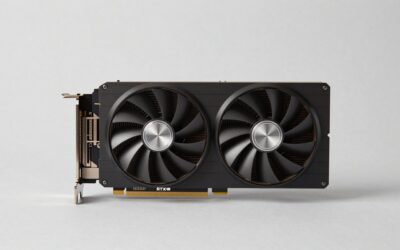
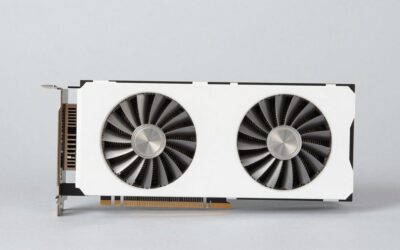
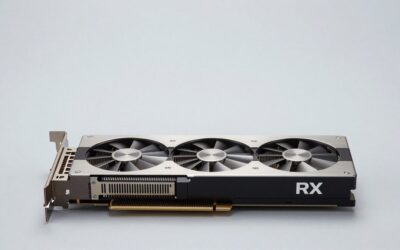
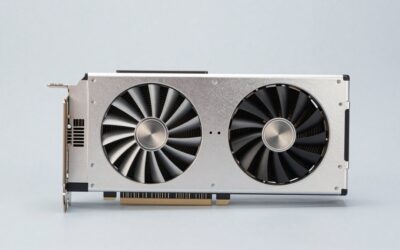
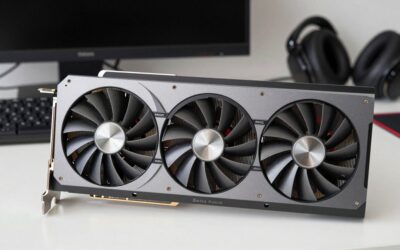
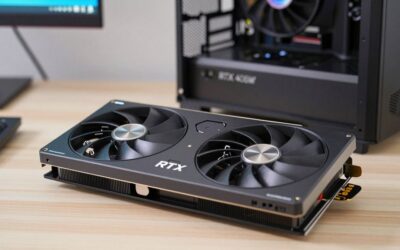
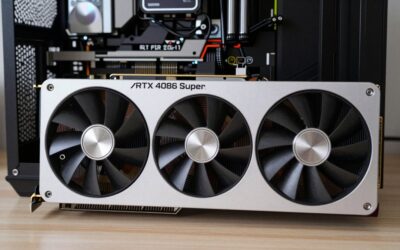
- Top Pick: GIGABYTE GeForce RTX 5070 Ti Gaming OC 16G Graphics Card, 16GB 256-bit GDDR7, PCIe 5.0, WINDFORCE Cooling System, GV-N507TGAMING OC-16GD Video Card
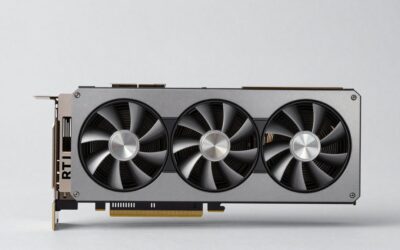
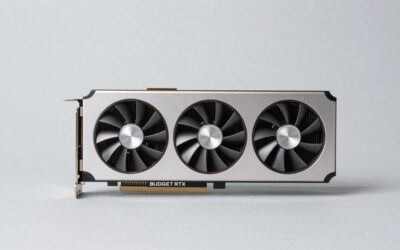
- Best Value: ASUS SFF-Ready Prime NVIDIA GeForce RTX 5070 Ti 16GB GDDR7 OC Edition 16GB GDDR7 Graphics Card (PCIe 5.0, HDMI/DP 2.1, 2.5-Slot, Axial-tech Fans, Dual BIOS), 3 Year Warranty
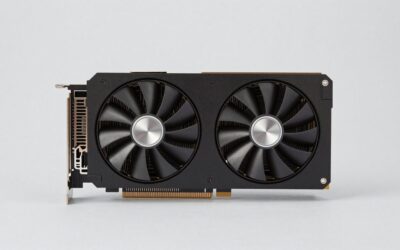
- Premium Choice: GIGABYTE GeForce RTX 5070 Ti Eagle OC ICE SFF 16G Graphics Card, 16GB 256-bit GDDR7, PCIe 5.0, WINDFORCE Cooling System, GV-N507TEAGLEOC ICE-16GD Video Card
Nvidia’s Blackwell mid-range has settled into a straightforward two-horse race, and by 2026 the dust has finally cleared enough to judge it honestly. The GeForce RTX 5070 arrives with 12GB of GDDR7 on a 192-bit bus and a roughly 250W power budget, while the RTX 5070 Ti steps up to 16GB of GDDR7 across a 256-bit bus, a meaningfully larger GPU die, and a ~300W target. On paper that looks like a modest gap. In practice, it is the difference between a card built for high-refresh 1440p and one that will hold its composure at 4K.
Why does the choice matter more now than it did at launch? Because the workloads have caught up. Modern Unreal Engine 5 titles lean hard on ray-traced global illumination, path tracing has moved from tech-demo novelty to a checkbox in major releases, and DLSS 4 with Multi Frame Generation adds its own VRAM overhead on top of increasingly greedy texture packs. Buying a GPU in 2026 is less about today’s average frame rate and more about which card still feels comfortable in three years. Below, we break down where each one earns its keep.
As an Amazon Associate we earn from qualifying purchases at no extra cost to you.



⚡ Save on Your Next PC — Amazon Prime
Prime members get fast free shipping on the systems above, plus early access to Prime Day & Black Friday PC deals. New members get a 30-day free trial.
Watch: RTX 5070 vs 5070 Ti: Which to Buy in 2026? — Video Review
Quick Verdict
Buy the RTX 5070 if you game primarily at 1440p, want the lowest power draw and the easiest PSU compatibility, and would rather put the savings toward a better monitor or CPU. Buy the RTX 5070 Ti if you play at 4K, run a high-refresh ultrawide, use path tracing, or do any GPU-accelerated creative or AI work where 16GB of VRAM is the difference between “it runs” and “it doesn’t.” For most buyers spending this much in the first place, the Ti is the more future-proof purchase.
Key Differences
- GPU silicon: The 5070 Ti uses a cut-down version of the larger Blackwell die with roughly 45% more CUDA cores, RT cores, and Tensor cores than the 5070 — this is a genuine tier gap, not a mild factory bin.
- Memory: 16GB of GDDR7 on a 256-bit bus versus 12GB on 192-bit. The Ti has both more capacity and roughly a third more bandwidth, which matters most at 4K and with frame generation enabled.
- Real-world performance: Expect the 5070 Ti to lead by around 20–30% at 1440p and rather more at 4K, where the narrower bus and smaller frame buffer start to throttle the 5070.
- Power and PSU: The 5070 is comfortable on a quality 650W supply; the 5070 Ti realistically wants 750W or more, and most models use a 12V-2×6 connector with an adapter.
- Ray tracing headroom: Both support the full DLSS 4 feature set, but only the Ti has enough raw RT throughput to make path-traced settings playable at native-ish resolutions rather than deep upscaling.
- Size and build options: The 5070 is usually the more compact card, though a strong crop of SFF-friendly 5070 Ti models has narrowed that advantage considerably.
GeForce RTX 5070: The 1440p Value Pick
The RTX 5070 is the efficiency play. It delivers a comfortable 100+ fps at 1440p with high settings in the vast majority of current titles, and with DLSS 4’s transformer-based upscaling it does so with noticeably better image stability than previous generations managed. Its modest power draw keeps coolers quiet and short, it slots into older mid-tower and small-form-factor builds without drama, and it rarely forces a power supply upgrade — a real, often-overlooked cost saving.
The caveat is the 12GB frame buffer. That is adequate today at 1440p, but it is the card’s hard ceiling rather than a comfortable margin. Enable 4K textures, ray-traced lighting, and Multi Frame Generation simultaneously and you can push past it, at which point you get stutter rather than a graceful slowdown. If your monitor is 1440p and likely to stay that way, the 5070 is a well-judged card. If you are eyeing 4K, it is the wrong end of the stack.
GeForce RTX 5070 Ti: The 4K-Capable Upgrade
The 5070 Ti is where Blackwell’s mid-range stops making compromises. The wider bus and 16GB of GDDR7 mean 4K with DLSS Quality is genuinely viable in demanding titles, and path tracing becomes a setting you can actually use rather than admire in benchmarks. Board partners have been generous here: the GIGABYTE Gaming OC 16G pairs a factory overclock with a triple-fan WINDFORCE cooler that keeps things quiet under sustained load, while MSI’s Ventus 3X PZ OC takes a similar approach with a cleaner, more understated shroud.
Small-form-factor builders are unusually well served this generation. The ASUS SFF-Ready Prime OC Edition squeezes into a 2.5-slot footprint with Axial-tech fans and a dual BIOS for quiet or performance modes, and GIGABYTE offers two compact alternatives in the Eagle OC ICE SFF and the WINDFORCE OC SFF. If you simply want the GPU without paying for aesthetics, the PNY Triple-Fan OC is the no-nonsense option. Whichever you choose, budget for a 750W-class PSU and check clearance before ordering.
Which Should You Buy?
- For 1440p high-refresh gaming: pick the RTX 5070 — it hits the frame-rate targets that matter without the extra cost or heat.
- For 4K or ultrawide: pick the RTX 5070 Ti; 16GB and the wider bus are effectively mandatory at these resolutions.
- For path tracing and heavy ray tracing: pick the RTX 5070 Ti, which has the RT throughput to keep frame times stable.
- For a compact or SFF build: either works, but the ASUS Prime SFF-Ready or GIGABYTE Eagle OC ICE SFF make the Ti surprisingly easy to fit.
- For creative and local AI workloads: pick the RTX 5070 Ti — VRAM capacity is the binding constraint, not core count.