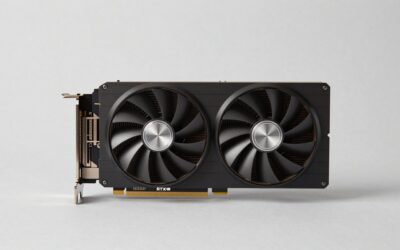
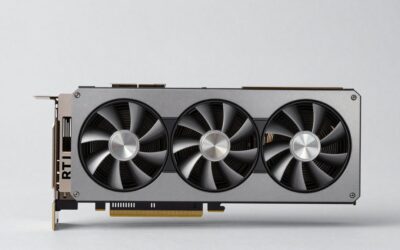
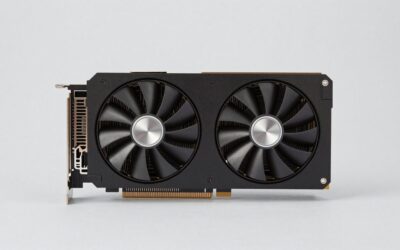
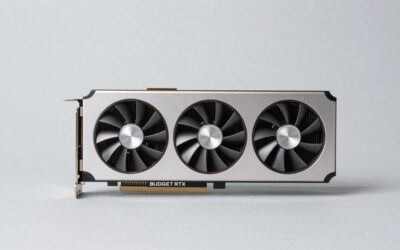
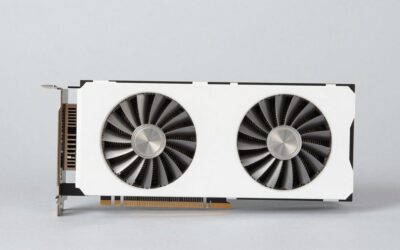
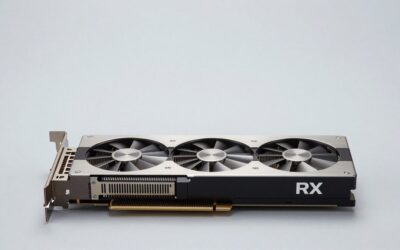
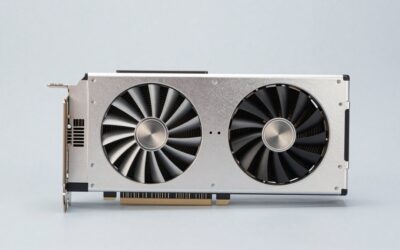
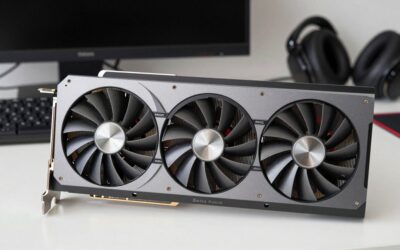
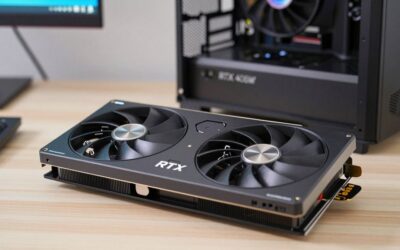
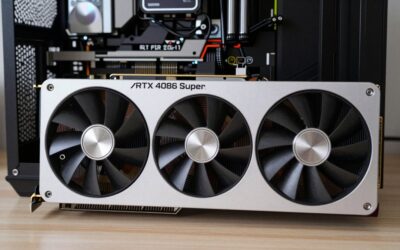
- Top Pick: ZOTAC MEK Gaming PC Desktop, GeForce RTX 5090 Extreme, Intel Ultra 9 285K
- Best Value: Lenovo Legion Tower 7i Gen 10 Gaming Desktop PC (2026 Model) – Intel Ultra 9 285K 24-Core, NVIDIA RTX 5090 32GB, 64GB RAM, 2TB NVMe SSD, 1200W PSU, Liquid Cooling, Windows 11 Pro
- Premium Choice: ZOTAC MEK Gaming PC Desktop, GeForce RTX 5090 White, AMD Ryzen 7 9800X3D
An RTX 5090 PC build represents the summit of gaming hardware, and assembling one, or buying a prebuilt that’s done it right, means every component must complement that flagship GPU. Skimp on the CPU, cooling, or power, and you’ll bottleneck the most powerful graphics card money can buy.
This guide looks at how the best RTX 5090 systems are configured so you understand what a properly balanced build looks like, and which ready-made rigs get the recipe right.
As an Amazon Associate we earn from qualifying purchases at no extra cost to you.




🎮 Get More From Your Setup — Free
Prime Gaming gives you free PC games every month, in-game loot, and a free Twitch channel sub — plus fast free shipping on all the gear above. New members get a 30-day free trial.
Watch: RTX 5090 PC Build — Video Review
Design & Build
Top RTX 5090 builds, from the ZOTAC MEK Extreme and White editions to the Panorama XL and Lenovo Legion Tower 7i, prioritize airflow and 360mm-class liquid cooling to manage the heat of a flagship GPU and CPU working together. These are premium chassis with tempered glass, clean cable routing, and high-wattage PSUs, engineered to run cool and quiet under sustained gaming. The Velztorm Praetix adds a distinctive custom look, while the Lenovo Legion offers a more restrained, serviceable design backed by big-brand support.
Performance
The RTX 5090 is built for 4K high-refresh gaming, and these systems pair it with elite CPUs to match. The ZOTAC MEK Extreme uses Intel’s Ultra 9 285K, while the White edition and Skytech Legacy 4 lean on AMD’s Ryzen 7 9800X3D and Ryzen 9 9950X3D for peak frame rates. With DLSS 4 and frame generation, these builds push demanding 4K titles well past 100 fps. Generous 32GB–64GB DDR5-6000 and fast Gen4/Gen5 NVMe storage ensure the GPU is never starved, and the Panorama XL configs add creator-focused capacity.
Pros & Cons
- Peak 4K gaming: flagship frame rates with DLSS 4 headroom.
- Elite CPU pairings: 285K and 9800X3D avoid bottlenecks.
- Premium cooling: 360mm+ AIOs keep temps and noise in check.
- Creator and AI ready: 64GB and fast storage options available.
- Flagship pricing: these are the most expensive gaming rigs.
- High power draw: requires a 1000W+ PSU and strong airflow.
- Overkill below 4K: wasted potential at 1080p.
Alternatives to Consider
For maximum gaming frames, the ZOTAC MEK White with a 9800X3D or the Skytech Legacy 4 are top picks. The ZOTAC MEK Extreme with the 285K balances gaming and productivity, and the Panorama XL suits creators wanting 64GB. If you value big-brand support, the Lenovo Legion Tower 7i is the safe choice. Buyers targeting 1440p who want to save can step down to a 5080 build without giving up much real-world experience.
Step-by-Step: Assembling an RTX 5090 Build
A flagship graphics card changes the order in which a build goes together, because the card is the largest and heaviest part and the power cable is the least forgiving. This sequence keeps the tricky steps accessible.
- Check the case clearance first. NVIDIA’s Founders Edition is a two-slot card of roughly 304 mm in length, but partner cards are often thicker (three slots or more) and longer. Compare the card’s published dimensions against the case’s maximum GPU length and the room left by front radiators or fans.
- Install the CPU, memory, and M.2 drive on the motherboard outside the case. Fitting these on the bench is easier than reaching them later behind a large cooler or card.
- Mount the CPU cooler and fans. Decide airflow direction now: intake at the front, exhaust at the rear and top is the standard layout.
- Seat the motherboard and route cables before the GPU. Run the power cables to the area near the GPU slot while the space is still open.
- Insert the GPU in the top PCIe x16 slot until the retention latch clicks. Support the far end of the card, because heavy cards can sag; a bracket or the case’s built-in support helps.
- Connect the power cable. The card uses the 12V-2×6 connector. Push until it is fully seated with no visible gap, and avoid bending the cable sharply right at the plug.
- Connect the monitor to the graphics card, not the motherboard. Then boot, enter firmware, and confirm the card is detected at the expected PCIe speed.
Component Targets for a Balanced Build
| Part | Target | Why it matters |
|---|---|---|
| Power supply | At least 1000 W is NVIDIA’s guidance for the card; leave extra margin for a high-end CPU | The card’s board power is listed at around 575 W, so a weak supply risks shutdowns under spikes |
| Power cable | Native 12V-2×6 or 12VHPWR lead from the supply, ATX 3.x rated | Fewer adapters means fewer failure points |
| Case | Verified GPU length and slot thickness, plus front-to-back airflow | The card releases a lot of heat into the chassis |
| Motherboard | PCIe 5.0 x16 slot is ideal, but a PCIe 4.0 slot generally costs only a small amount of performance | Compatibility is rarely the limiting factor, but check slot spacing |
| Display | A monitor with DisplayPort 2.1 or HDMI 2.1 for high refresh at 4K | The GPU can outrun older monitors that cap refresh rate or resolution |
Common Mistakes
- Buying the card before measuring the case. Size is the most common reason a 5090 does not fit.
- Reusing an older power supply. A unit that powered a previous high-end card may not carry enough wattage or the right connector.
- Using adapter chains. Stacking an adapter on an adapter adds contact points and bend stress at the plug.
- Underinvesting in case fans. A powerful card in a closed case throttles on heat, even if the card’s own fans are strong.
- Plugging the monitor into the motherboard. The picture will appear, but the games run on the integrated graphics, if the processor has them, or show no signal at all.
Troubleshooting
- No display on first boot: confirm the monitor cable is in the card, reseat the card, and recheck the power connector for a full click.
- Black screen or restart under load: suspect the power supply capacity or a loose connector first, then memory stability if an overclock or EXPO profile is active.
- Card detected at a lower PCIe speed: check the slot setting in firmware, try reseating, and update the BIOS.
- High temperatures: verify fan orientation, clear dust filters, and leave a gap between the card and any side panel or radiator.
- Coil whine at very high frame rates: a frame cap often reduces it, since the noise tends to rise with uncapped frame output.
Related Guides
Frequently Asked Questions
What CPU is best for an RTX 5090 build?
The Ryzen 7 9800X3D leads for gaming frame rates. The Ryzen 9 9950X3D or Intel Ultra 9 285K add more multithreaded power for creation.
How much RAM should a 5090 build have?
32GB of DDR5-6000 is ideal for gaming. Choose 64GB for heavy video editing, rendering, or large local AI models.
What PSU does an RTX 5090 need?
A 1000W–1200W 80+ Gold ATX 3.x supply with a native 12V-2×6 connector handles the 5090’s power spikes safely.
Is the RTX 5090 overkill for 1440p?
For most 1440p gaming, yes. Its power is best realized at high-refresh 4K or in demanding creation and AI workloads.
Verdict
An RTX 5090 build is the ultimate gaming machine, and getting it right means pairing the GPU with a 9800X3D-class CPU, 360mm cooling, and a stout PSU. The ZOTAC MEK systems and Skytech Legacy 4 nail that balance for gamers, the Panorama XL adds creator muscle, and the Lenovo Legion Tower 7i wins for buyers wanting dependable support.