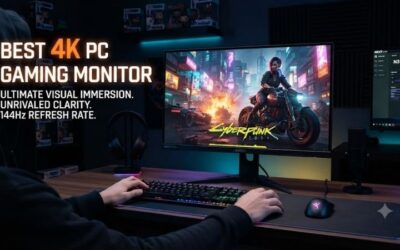
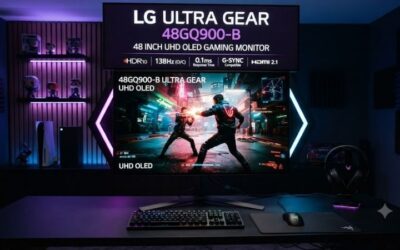
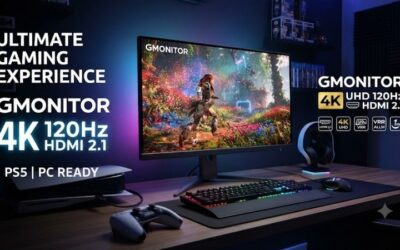
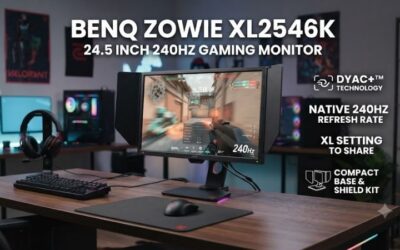
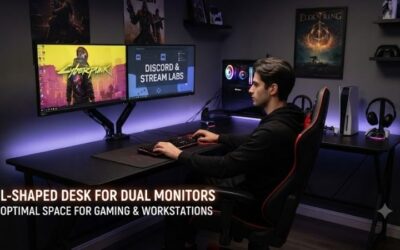
A 4K monitor delivers four times the pixels of a standard 1080p display, and in 2026 that razor-sharp clarity is more affordable and more capable than ever. The days when 4K meant sluggish 60Hz panels are fading fast, with high-refresh UHD models bringing crisp detail and smooth motion together in the same screen. Whether you edit photos, wrangle spreadsheets, or want games rendered in pristine detail, a good 4K panel transforms how your desktop looks and feels.
We evaluated a spread of 4K monitors across sizes and budgets, from color-accurate productivity screens to faster panels ready for console and PC gaming. Below you will find our top recommendations, a checklist to guide your purchase, and detailed impressions of each pick so you can find the sharpest fit for your setup.
As an Amazon Associate we earn from qualifying purchases at no extra cost to you.




⚡ Save on Your Next PC — Amazon Prime
Prime members get fast free shipping on the systems above, plus early access to Prime Day & Black Friday PC deals. New members get a 30-day free trial.
Watch: Best 4K Monitor 2026 — Video Review
How to Choose a 4K Monitor
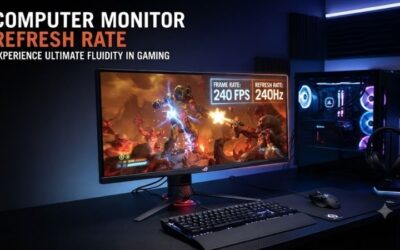
- Refresh rate: A 60Hz 4K panel is fine for work and slower games, but 120Hz or higher UHD models deliver noticeably smoother motion for fast titles and consoles.
- Panel type: IPS panels offer wide viewing angles and strong color, while VA options provide deeper contrast, so choose based on whether accuracy or black levels matter more to you.
- Size and pixel density: A 27-inch 4K screen is exceptionally sharp, while 32-inch models give you more usable space with slightly lower density, ideal for multitasking.
- Color and HDR: Look for high sRGB coverage for accurate work and DisplayHDR certification if you want punchier highlights in games and media.
- Connectivity and features: Ensure HDMI and DisplayPort inputs match your devices, and value extras like USB-C, height-adjustable stands, and eye-comfort modes.
The Best 4K Monitors Reviewed
Dell S2725QS 27″ 120Hz
Dell’s S2725QS pairs a crisp 27-inch 4K IPS panel with a welcome 120Hz refresh and FreeSync Premium, making it a superb all-rounder. The fast, fluid motion sets it apart from older 60Hz UHD screens without a big price premium.
Dell S3225QS 32″ VA
Stepping up to 32 inches, the S3225QS uses a VA panel for deeper contrast and adds 120Hz smoothness plus eye-comfort features. It is an excellent pick for those who want a larger, more cinematic 4K canvas for work and play.
Samsung ViewFinity S7
Samsung’s ViewFinity S7 focuses on high-resolution clarity for productivity and creative tasks, delivering clean 4K detail in a refined chassis. It is a natural choice for professionals who prioritize sharp text and dependable color over raw refresh rate.
LG 27UP650K-W
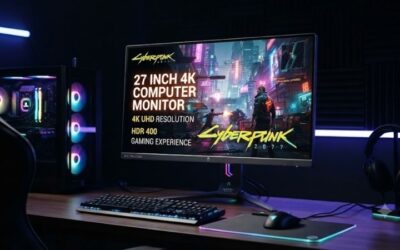
LG’s 27-inch UltraFine 4K panel brings DisplayHDR 400, a height-adjustable stand, and reliable IPS color in a clean white design. Reader Mode and Flicker Safe features make it a comfortable, well-rounded screen for long working days.
LG 32UR500K-B 32″
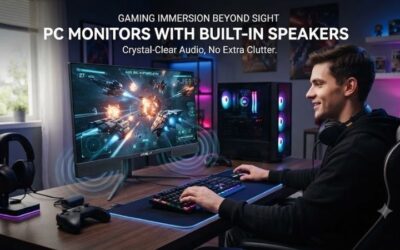
For a larger budget-friendly option, LG’s 32-inch UHD monitor delivers HDR10, dual built-in speakers, and a near-borderless design. It is a smart pick for anyone who wants a spacious 4K display for mixed media, work, and casual gaming.
Frequently Asked Questions
Is 27 or 32 inches better for a 4K monitor?
A 27-inch 4K screen has extremely high pixel density and razor-sharp text, while a 32-inch model gives you more physical workspace with still-excellent sharpness. Choose 27 inches for maximum crispness or 32 inches for a roomier canvas.
Do I need a strong GPU for 4K gaming?
Running games at native 4K with high frame rates demands a powerful graphics card. However, upscaling technologies and lower settings let more modest GPUs still benefit, and 4K remains superb for desktop work regardless of your hardware.
Is 60Hz enough for a 4K monitor?
For productivity, media, and slower-paced games, 60Hz is perfectly usable. If you play fast shooters or want console gaming at 120Hz, though, a higher-refresh 4K panel delivers noticeably smoother, more responsive motion.
Can consoles run games at 4K 120Hz?
Current-generation consoles support 4K output and can hit 120Hz in supported titles over HDMI 2.1. Pairing them with a 120Hz 4K monitor lets you take full advantage of that smoother performance where games allow it.
Final Thoughts
A 4K monitor sharpens everything from text to textures, and 2026’s crop makes the upgrade easier to justify than ever. For a versatile do-it-all screen, the 120Hz Dell S2725QS is a standout, while the 32-inch Dell S3225QS and LG 32UR500K-B suit those craving more space. Creative professionals will appreciate the color focus of the Samsung ViewFinity S7 and LG UltraFine. Match size and refresh rate to your priorities and enjoy the clarity.