If you upgraded to a PlayStation 5 but still have a drawer full of DualShock 4 pads, the natural question is whether you can keep using them. It is one of the most common compatibility questions gamers ask when they set up a new console, and the answer has an important catch that trips people up.
The short version: yes, you can use a PS4 controller on PS5, but only for playing PS4 games. Sony intentionally blocked the DualShock 4 from controlling native PS5 titles, so you cannot use it everywhere. Understanding exactly where it works saves you frustration.


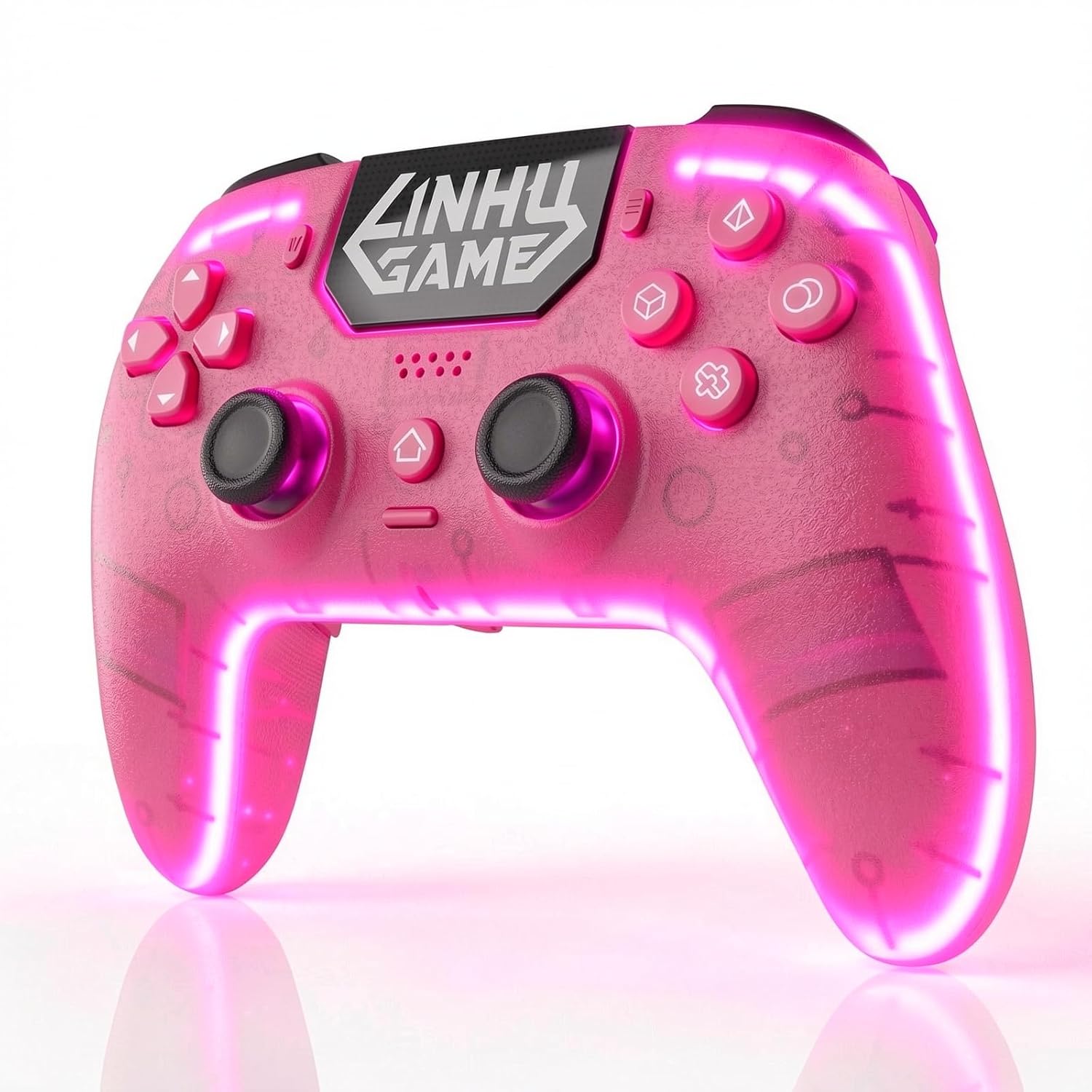
Dinosoo RGB Wireless Controller with LED Light & Remap Back Buttons, Adjustable Turbo, 2.4G Adapter for PS5, PC

Dinosoo Wired Controller with 10ft Cable, Multi-Touch Pad & Back Buttons for PS5/PS4/PC – Turbo, Macro, 3.5mm Jack (White)
As an Amazon Associate I earn from qualifying purchases.
Quick answer: Our top pick in 2026 is the Sony DualSense Wireless Controller — our #1 rated choice. See the full ranked comparison, alternatives and buying advice below.
Can You Use a PS4 Controller on PS5? The Direct Answer
Yes. A DualShock 4 (or any officially licensed PS4 controller) connects to the PS5 and works fine when you play backward-compatible PS4 games. Pair it over Bluetooth or plug it in with a USB cable, and the console recognizes it instantly. However, the moment you launch a game built specifically for the PS5, the console displays a message telling you the controller is not supported for that title. This is a deliberate Sony policy, not a hardware fault.
The reasoning is that PS5 games are designed around the DualSense controller’s adaptive triggers and haptic feedback. Since the DualShock 4 lacks those features, Sony decided not to let it run native next-gen titles. So keep your old pad handy for your PS4 library, but you will need a DualSense for the new stuff.
Recommended Controllers for PS5 and Backward Compatibility
| Product | Best For | Standout Feature | Rating |
|---|---|---|---|
| Sony DualSense Wireless Controller | Native PS5 games | Adaptive triggers and haptic feedback | 4.7/5 |
| Sony DualShock 4 Wireless Controller | Backward-compatible PS4 titles | Wide game support and comfort | 4.6/5 |
| DualSense Edge Wireless Controller | Competitive players | Swappable sticks and back buttons | 4.5/5 |
| Sony DualSense Charging Station | Two-controller households | Dual dock charging without USB ports | 4.8/5 |
| PowerA Advantage Wired Controller | Budget-conscious buyers | Affordable wired reliability | 4.3/5 |
How to Connect a PS4 Controller to a PS5
Getting your DualShock 4 talking to the PS5 is quick. For the first pairing you should use a wired connection. Plug the controller into the PS5 with a micro-USB cable, press the PlayStation button, and follow the prompt to assign it to a user account. Once paired, you can unplug it and use it wirelessly for future sessions.
If you prefer a purely wireless setup, hold the Share and PlayStation buttons together until the light bar flashes, then add it through the PS5’s Bluetooth accessory settings. Remember that this pad will still only launch backward-compatible PS4 games, so plan your controller collection accordingly.
Why Sony Blocks the DualShock 4 on Native PS5 Games
The decision comes down to the DualSense’s signature features. PS5 developers build experiences around the tension you feel in the adaptive triggers when drawing a bow or the fine haptic rumble that simulates footsteps in mud. A DualShock 4 simply cannot reproduce those sensations, so allowing it would create an inconsistent and, in some cases, unplayable experience.
Rather than let players miss half of a game’s intended design, Sony chose to lock native PS5 titles to the DualSense. It is a divisive choice, but it keeps the next-gen experience consistent. If you want to explore the difference in feel, read our guide on DualSense adaptive triggers explained.
Best Uses for Your Old PS4 Controllers
Even with the restriction, an old DualShock 4 is far from useless on a PS5. It is perfect for a second player in local co-op PS4 games, and it makes a great spare for guests. Many people keep one charged as a backup in case their DualSense battery runs low mid-session.
You can also repurpose PS4 pads for PC gaming through Steam, which has excellent native DualShock 4 support. If you are building a versatile setup, our article on using PlayStation controllers on PC walks through the process. And if your pad is showing wear, our roundup of the best PS5 controllers for 2026 can help you upgrade.
Wired vs Wireless: Which Connection Is Better
For competitive play, a wired connection removes any chance of Bluetooth latency, which is why some tournament players still prefer cables. For casual living-room gaming, wireless is more convenient and the latency difference is negligible for most titles. Whichever you choose, keeping a quality USB cable nearby is smart for charging and quick pairing. Our guide to reducing controller input lag covers this in more detail.
Frequently Asked Questions
Can a PS4 controller play PS5 games?
No, a PS4 controller cannot play native PS5 games. Sony blocks the DualShock 4 from launching next-gen titles because they are designed around the DualSense’s adaptive triggers and haptic feedback. You can only use a PS4 pad for backward-compatible PS4 games on the PS5.
Does the PS4 controller charge on a PS5?
Yes, you can charge a DualShock 4 by connecting it to the PS5’s USB ports with a compatible cable. The controller will charge whether or not the console is being used for a supported game, making it convenient to keep your spare pads topped up between sessions.
How many controllers can connect to a PS5 at once?
A PS5 supports up to four controllers connected wirelessly at the same time, which is ideal for local multiplayer. You can mix DualSense and DualShock 4 controllers, but remember the DualShock 4 pads will only function during backward-compatible PS4 game sessions.
Do I need a special adapter for a PS4 controller on PS5?
No adapter is required. The PS5 recognizes the DualShock 4 natively over Bluetooth or through a wired USB connection. Simply pair it once using a cable, then enjoy wireless play afterward, keeping in mind the ongoing limitation to PS4 game titles only.
Ready to decide? Our #1 pick for 2026 is the Sony DualSense Wireless Controller.
Live price & availability on Amazon.
Top picks from this guide
DinosooDinosoo Wired Controller with 10ft Cable, Multi-Touch Pad & Back…$27 \xc2\xb7 99/100 AceGamerAceGamer 2 Pack for PS4 Controller, Wireless Controller for PS4/Pro/Slim/PC,…$32 \xc2\xb7 96/100DinosooDinosoo RGB Wireless Controller with LED Light & Remap Back…$27 \xc2\xb7 96/100
 BIGBIGWONBIGBIG WON Controller Adapters, R100 Pro Wireless Adapter for Xbox…$26 \xc2\xb7 95/100