
🛒 Best Price Today on Amazon
Prime members get fast, free shipping on everything above, plus member-only deals. New members get a 30-day free trial — cancel anytime.
- Quick verdict by buyer type
- Confirm the Legion Go S variant first
- OLED quality or a larger VRR canvas
- Controls and handheld ergonomics
- SteamOS narrows the software gap
- Battery claims, travel, and charging
- Storage, expansion, and desk use
- Decision matrix
- Hidden costs to include
- Who should buy each handheld?
- FAQ
- Sources
- Related Guides
- Top Pick: JSAUX 6-in-1 Docking Station for Steam Deck/ROG Ally X/Legion Go S-HB0603
- Best Value: JSAUX 5-in-1 Docking Station for Steam Deck/ROG Ally X/Legion Go S-HB0602
- Premium Choice: Lenovo Legion Go S – 2025 – Mobile Gaming Console – AMD Radeon graphics – 8" PureSight IPS Display – 120Hz – AMD Ryzen™ Z2 Go – 16GB Memory – 512GB Storage – Glacier White – Free PC Game Pass
Steam Deck OLED vs Legion Go S: Which Fits You?
The Steam Deck OLED is the safer choice for players who value a polished handheld experience, a vivid OLED panel, and lighter carry weight. The Lenovo Legion Go S is more compelling when an 8-inch, 120 Hz variable-refresh display, two USB4 ports, and a conventional Windows option matter more. The difficult part is that “Legion Go S” describes several configurations. Its processor, memory, storage, and operating system can change by SKU, so a comparison based only on the family name can lead to the wrong purchase.
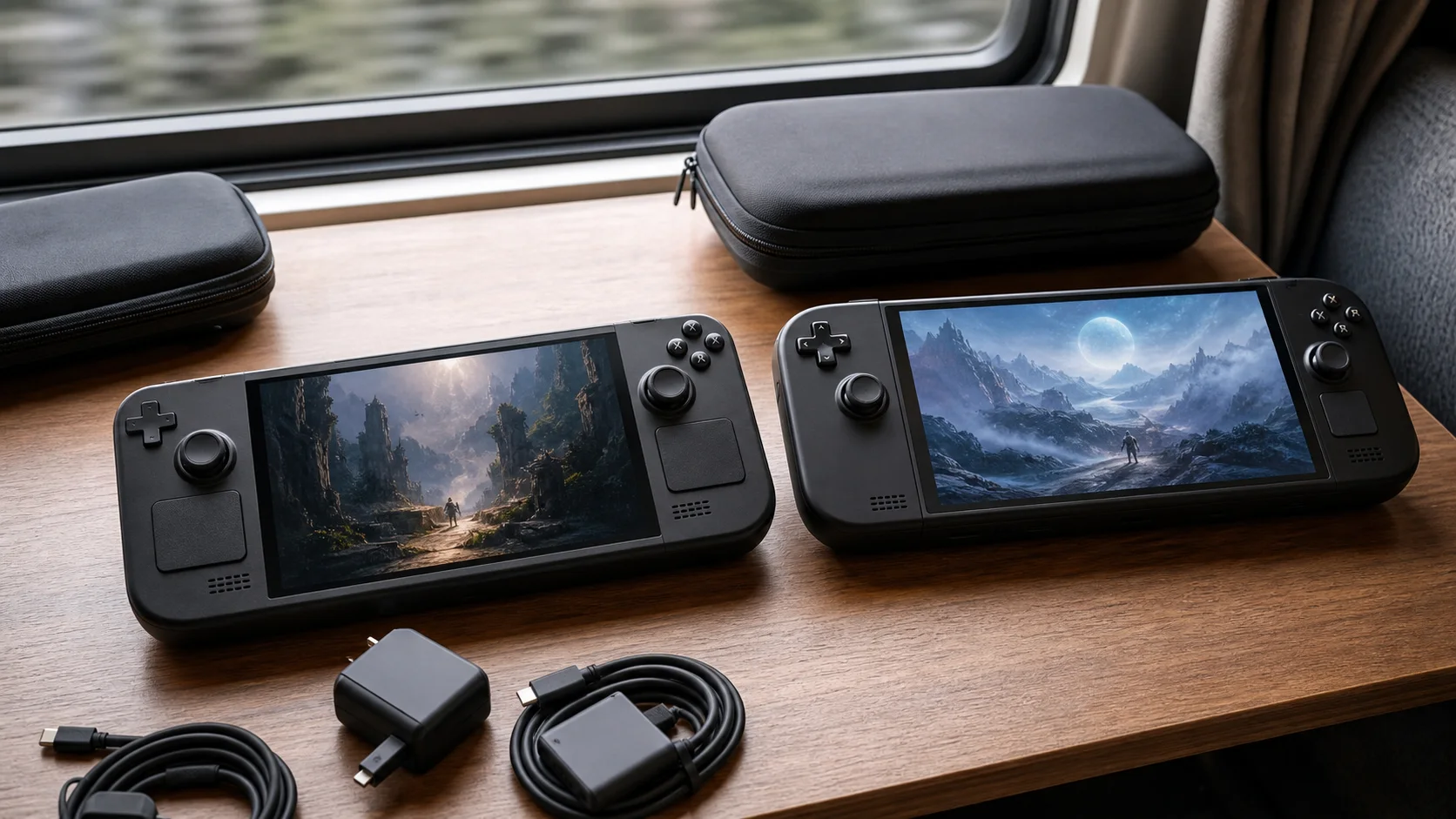
SteamOS handheld illustration—not product photography, gameplay testing, or runtime evidence.
As an Amazon Associate we earn from qualifying purchases at no extra cost to you.








Quick verdict by buyer type
Choose the Steam Deck OLED if you want a console-like Steam library, an OLED screen, established community support, and less weight in your hands. Choose the Legion Go S with SteamOS if you want an appliance-like interface but prefer a larger screen and VRR. Choose a Windows Legion Go S only when access to Windows software, launchers, or games with incompatible anti-cheat is worth the extra operating-system management.
Neither machine is universally faster. Valve sells a defined Steam Deck OLED platform, while Lenovo lists Legion Go S models with different Ryzen chips. Performance conclusions must therefore identify the exact Lenovo machine. Our broader best gaming handhelds guide explains why a family-level label is not enough when processors differ.
Confirm the Legion Go S variant first
The official Lenovo PSREF lists Ryzen Z2 Go and Ryzen Z1 Extreme possibilities, Windows 11 and SteamOS options, and 16GB or 32GB soldered LPDDR5X memory depending on configuration. Storage offerings also vary. Retailer titles sometimes shorten all of that to “Legion Go S,” so record the part number before comparing price.
Valve’s OLED lineup is easier to decode. The 512GB and 1TB models share the same core processing platform and 7.4-inch OLED display. Storage capacity and certain finish/accessory details differ, but buying the 1TB version does not buy a faster processor. This consistency makes independent advice and troubleshooting easier to apply.
| Decision point | Steam Deck OLED | Legion Go S | Why it matters |
|---|---|---|---|
| Display | 7.4-inch HDR OLED, up to 90 Hz | 8-inch IPS, 120 Hz, VRR | OLED contrast versus size and refresh flexibility |
| Operating system | SteamOS | SteamOS or Windows by SKU | Library compatibility and maintenance differ |
| Controls | Dual trackpads, four rear buttons | Single touchpad, two rear buttons | Strategy, desktop, and custom-control use |
| Ports | One USB-C | Two USB4-capable USB-C ports | Charging while attaching peripherals is easier on Lenovo |
| Memory | Fixed platform specification | 16GB or 32GB by SKU | Verify before checkout |
| Weight | Lighter on official specifications | About 730g in Lenovo material | Long handheld sessions may expose the difference |
Specifications in this table come from Valve and Lenovo, not from our own measurements. Regional models can differ.
OLED quality or a larger VRR canvas
The Deck’s 1280×800 OLED panel prioritizes contrast, response characteristics, and HDR presentation rather than maximum pixel count. Its lower native resolution also suits a handheld-class processor because games have fewer pixels to render. The 90 Hz ceiling is already above the 60 Hz target common in demanding portable games.
Lenovo specifies an 8-inch 1920×1200 IPS screen with a 120 Hz refresh rate, 500-nit rating, and variable refresh rate. The extra physical area improves small text and dense interfaces. VRR can make changing frame delivery look steadier within its supported range. However, 1200p places a heavier rendering demand on the GPU. Owning a higher-resolution panel does not mean every game should run at native resolution.
The decision is therefore not “OLED always wins” or “120 Hz always wins.” Dark-room contrast and HDR favor the Deck on paper. Workspace size, VRR, and a larger image favor Lenovo. Buyers sensitive to panel type should see both in person because brightness perception and motion preferences cannot be settled from specifications.
Controls and handheld ergonomics
Steam Deck OLED includes two trackpads, capacitive thumbsticks, gyro, and four assignable rear buttons. The trackpads are valuable in games designed around a mouse, launcher navigation, and desktop mode. Steam Input also provides a mature layer for community layouts and per-game remapping.
Legion Go S uses an integrated controller rather than the detachable controllers of the original Legion Go. It has a small touchpad and two rear buttons. Its familiar layout may require less adjustment for controller-first games, but it provides fewer rear inputs and less touch surface. Lenovo’s larger chassis also creates a different reach and balance.
We have not handled these units for this comparison, so we do not rank grip comfort. Hand size, wrist position, and tolerance for weight are personal. The official mass difference is useful evidence, but it cannot predict comfort for every player.
SteamOS narrows the software gap
A SteamOS Legion Go S changes this matchup. Both devices can boot into a controller-oriented library and suspend games without presenting a normal Windows desktop first. Valve still benefits from its direct control of Steam Deck hardware, operating-system releases, recovery images, and the Deck Verified program. Lenovo offers another hardware shape within the same broad software ecosystem.
The Windows Legion Go S serves a different buyer. Windows supports a wider range of storefronts, utilities, and anti-cheat implementations, but it also brings updates, pop-ups, desktop controls, and vendor software into a small-screen device. This is the same basic trade-off explored in our Steam Deck vs ROG Ally comparison, though the SteamOS Legion model removes much of that distinction.
Game compatibility changes over time. Check the specific games you play through their publishers and current compatibility databases rather than assuming every Steam title works identically.
Battery claims, travel, and charging
Valve specifies a 50Wh battery for Steam Deck OLED and publishes a broad runtime range. Lenovo specifies 55Wh for Legion Go S. Capacity alone cannot establish runtime: processor power, display brightness, resolution, refresh setting, wireless use, and the game workload all affect consumption.
The Deck’s lower official weight is a practical advantage in a backpack and during unsupported handheld use. The Legion’s larger screen may justify its added mass for players who rest the system on a lap or table. Both use USB-C charging, but Lenovo’s two USB4 ports make it easier to charge while connecting a display or fast accessory without an extra hub.
Treat manufacturer runtime figures as scenario-dependent claims, not guaranteed play time. For travel planning, a permitted USB-C power bank and the charger’s actual USB Power Delivery profile matter more than a best-case number.
Storage, expansion, and desk use
Both families support microSD expansion and internal NVMe storage, but the form factors and service procedures differ. Steam Deck OLED uses an M.2 2230 drive. Lenovo documentation identifies an M.2 slot and lists shipped storage configurations; confirm drive length and warranty implications for the exact part number before opening the system.
The Legion’s two high-bandwidth USB-C ports create a cleaner desk setup. A display can occupy one port while power or another accessory uses the other. The Deck can achieve a desktop setup through a compatible dock, but its single USB-C connection makes the dock the hub of the system.
Treat neither upgrade like a desktop swap. Back up data, follow current service documentation, use ESD precautions, and prepare recovery media.
Decision matrix
| Your priority | Better starting point | Reason |
|---|---|---|
| OLED contrast and HDR | Steam Deck OLED | OLED panel is standard across the named models |
| Largest integrated display | Legion Go S | Official 8-inch panel |
| VRR and 120 Hz ceiling | Legion Go S | Listed panel supports both |
| Mouse-like handheld input | Steam Deck OLED | Two larger trackpads and Steam Input ecosystem |
| Two direct USB-C connections | Legion Go S | Useful for charging and accessories together |
| Lower carry mass | Steam Deck OLED | Lower official weight |
| Broad Windows launcher support | Windows Legion Go S | Native Windows environment |
| Consistent model identity | Steam Deck OLED | Fewer processor/OS permutations |
Hidden costs to include
Compare the complete setup, not just the device price. A case, dock, microSD card, larger charger, power bank, or replacement SSD can move the total substantially. The Legion Go S model may include different storage or memory, while Valve’s 1TB tier includes capacity benefits that can reduce an immediate upgrade.
Software friction has a cost too. Windows needs more desktop maintenance, while a must-play title may not support SteamOS. Our Steam Deck vs Switch 2 guide explores the sharper PC-versus-console divide.
Who should buy each handheld?
The Steam Deck OLED fits a Steam-centered player who prioritizes display contrast, low friction, community control profiles, and portability. It is also the clearer recommendation when the buyer does not want to research several processor configurations.
The SteamOS Legion Go S fits someone who likes the Deck software concept but wants a larger VRR display, more direct ports, and a conventional controller shape. The Windows version fits people with required launchers, productivity utilities, or multiplayer titles that do not cooperate with SteamOS.
Before buying Lenovo, confirm the part number, processor, operating system, memory, and SSD capacity on the final invoice. Before buying either device, verify the five games you care about most. Those checks are more useful than choosing from a single headline benchmark.
FAQ
Is Legion Go S more powerful than Steam Deck OLED?
Some configurations have a newer or higher-tier processor, but “Legion Go S” is not one fixed specification. Performance also changes with power settings and resolution. Compare an identified SKU and independent tests using matched settings.
Does SteamOS make the two devices identical to use?
No. The broad interface can be similar, while firmware integration, controls, display behavior, recovery tools, and vendor utilities remain hardware-specific.
Can either replace a laptop?
Both can drive desktop peripherals, but screen size, ports, software, and input needs determine practicality. The Legion’s second USB-C port helps; a dock and keyboard remain sensible for either.
Sources
- Valve Steam Deck OLED technical specifications
- Lenovo Legion Go S PSREF
- Lenovo Legion Go S SteamOS product page










